

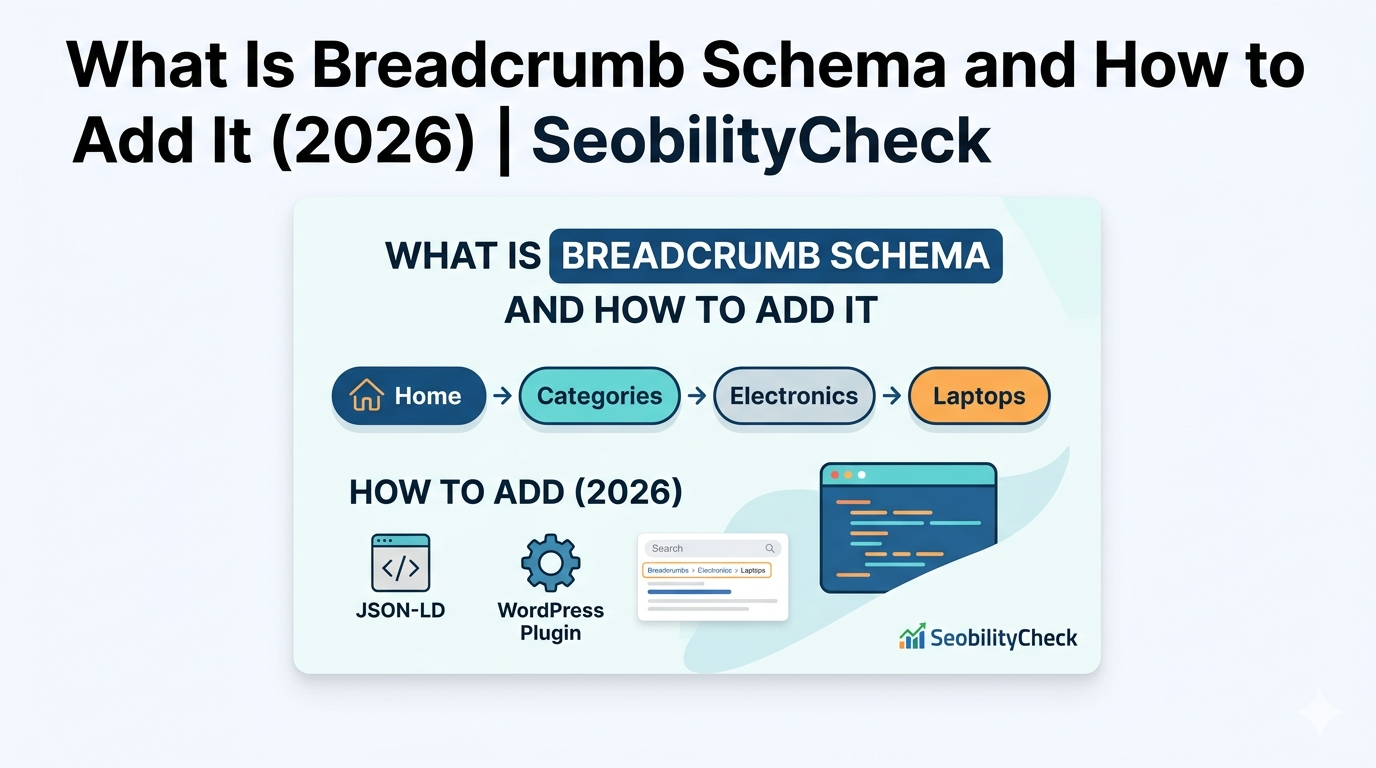
Breadcrumb Schema — What It Is and How to Add It (2026)
Breadcrumb schema is one of the most straightforward structured data implementations you can add to your site — and it has a visible, immediate impact on your Google search result appearance. This guide explains exactly what it is and how to add it in minutes.
What Is Breadcrumb Schema?
This is structured data markup (using Schema.org vocabulary) that tells Google about the hierarchical structure of a page on your website. When Google understands your site’s structure, it can display breadcrumb navigation directly in your search results instead of a raw URL.
A breadcrumb is the navigation path shown at the top of pages: Home › Category › Subcategory › Page Title. This structured markup communicates that hierarchy to Google in a machine-readable format.
According to Google’s official structured data documentation, implementing this markup correctly can enable rich results that replace raw URLs in search listings — directly improving click-through rates.
How This Markup Looks in Google Search Results
Without breadcrumb schema, Google shows your raw URL in results:
seobilitycheck.com › category › seo-blog › breadcrumb-guide
With this markup enabled, Google shows the readable path:
SeobilityCheck › SEO Blog › Breadcrumb Guide
The second version is more readable, more trustworthy, and generates a higher click-through rate — the primary SEO benefit of this implementation.
How to Add It — JSON-LD Code Example
The recommended format is JSON-LD, placed in your page’s <head> section:
<script type="application/ld+json">
{
  "@context": "https://schema.org",
  "@type": "BreadcrumbList",
  "itemListElement": [
    {
      "@type": "ListItem",
      "position": 1,
      "name": "Home",
      "item": "https://seobilitycheck.com/"
    },
    {
      "@type": "ListItem",
      "position": 2,
      "name": "SEO Blog",
      "item": "https://seobilitycheck.com/category/seo-blog/"
    },
    {
      "@type": "ListItem",
      "position": 3,
      "name": "Breadcrumb Schema Guide"
    }
  ]
}
</script>
Each item needs: @type: ListItem, position (number), name (display text), and item (URL — optional for the last item).
Adding It in WordPress
Using Rank Math (Recommended)
Rank Math automatically generates breadcrumb schema. Go to Rank Math → Titles & Meta → enable “Add Breadcrumbs Schema”. Enable breadcrumbs display in your theme settings too.
Using Yoast SEO
Yoast → Search Appearance → Breadcrumbs → Enable breadcrumbs. Add the breadcrumb function to your theme template where you want it to appear.
Manual JSON-LD
Add the JSON-LD code directly in your theme’s header.php or use a plugin like “Insert Headers and Footers” to add it sitewide without touching code.
How to Validate Your Schema for Free
SeobilityCheck Breadcrumb Checker
Go to seobilitycheck.com/breadcrumb-schema-tool/ — enter any URL to instantly see if this markup is present and valid.
Google Rich Results Test
search.google.com/test/rich-results — Google’s official tool to validate structured data including breadcrumbs. Shows exactly what Google sees.
Google Search Console
GSC → Enhancements → Breadcrumbs — shows all pages with breadcrumb schema, any errors, and warnings to fix.
✅ Quick check: Right-click any page → View Source → Ctrl+F and search for “BreadcrumbList”. If it appears, the markup is correctly placed. Then validate it with the Rich Results Test to confirm Google can read it correctly.
